

Also Includes
Bundle & Save
Get additional savings when you purchase any of these items along with this product.


TruCare 10PVAE1 Exclusive 10Yr Extended Parts & Labor Warranty $251-1499 Machines
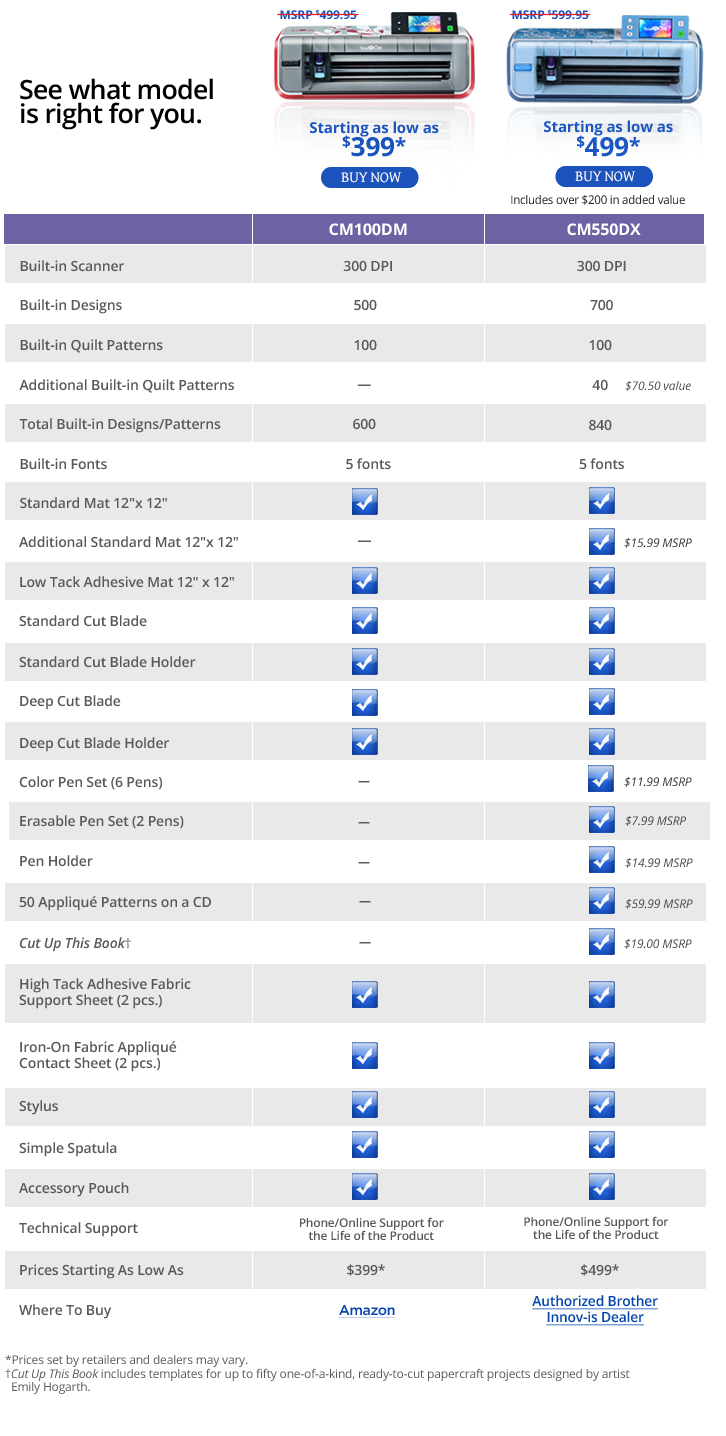
Competitor models do not have anywhere near the built-in designs. We also include 50 Applique Patterns, a $59.99 value and a copy of "Cut Up This Book" a $19.00 value.
*Plus $200 in Extras from Brother. Plus $20 Cut Up This Book, plus $20 USB Stick for "Canvas" design import link below. (total of $40 extra values from AllBrands)
Navigation
Product Description
Product Features
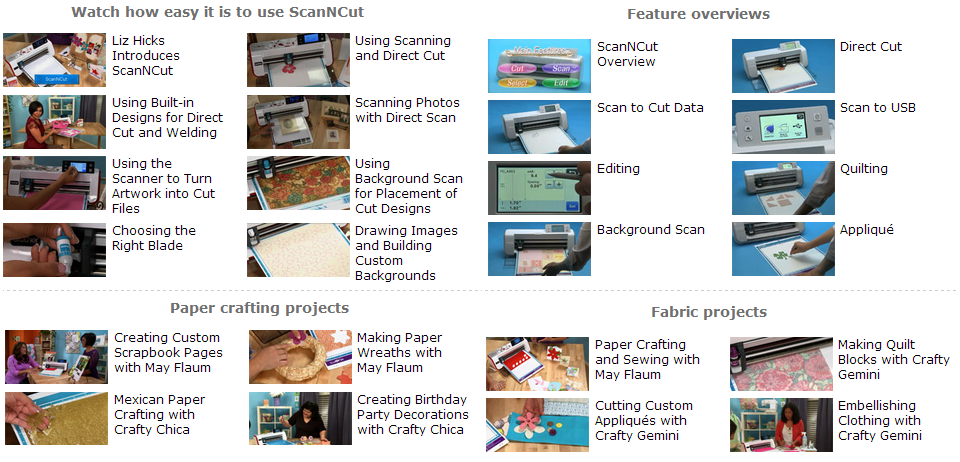
Product Videos
Product Comparison Chart
Product Projects
Product Accessories
Software Update!
Follow the link below to download the latest Brother Software update for this machine
Software Update
ScanNCut® by Brother™.
The best thing to happen to crafting since—the scissors!
Compared to the Cricket™ and Silhouette™ Cameo, this machine is designed to work straight out of the box. No additional software or configuration required! And look forward to forthcoming downloadable upgrades—just like the rest of the top-of-the-line Brother machines.
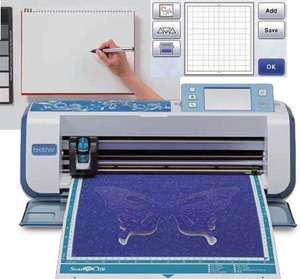
Digital stencils and forms are at your fingertips with the powerful scanning tool, and with the built-in cutter, a new era of creative control will come to your projects. Scan virtually anything you can think of—magazine clippings, cherished photographs, a handmade drawing—and save it to your USB stick for future use. Alternatively, scan it to the machine to create virtually unlimited designs and save it to the machine's memory. Cartridges are a thing of the past! Amazing post-scanning features give you a full layout screen to calculate your options, and the editing capabilities of zoom size, cropping, unifying, group and combine, invert, duplicate, overlay, outline welding, and rotate in 1° increments. Furthermore, two mats are included—a low-tack mat for finer materials, and a standard mat for the rest.
Developed with the cutting-edge technology that Brother™ is known for around the world, this brilliant new device is truly an incredible innovation in electronic cutting machines.
ScanNCut® by Brother™.
See it. Scan it. Cut it. Create it.
12" Wide up to 24" Long, Scan N Cut BLUE, Free Standing Digital Scanner and Cutter, 300 DPI, Touch Screen, USB Port, 840 Designs, Font, Quilt Applique, Draw, Layout, Save, plus 5 Year Extended Parts and Labor Repair Warranty from AllBrands.
This is what ScanNCut owners have been waiting for! Canvas, the cloud based website for converting SVG files into ScanNCut FCM files, is now live. It is free and easy to register. With this web service, original cutting and drawing can be created. Download the data to a USB drive and transfer it to the ScanNCut. Use Google Chrome browser, since Firefox and Internet Explorer 10 or later is not supported.
Sign up for Scan N Cut Canvas today!
Create a Log In and Password
Why Buy the ScanNCut Machine? See it, Scan it, Cut it, Create it! The World's First Home and Hobby Cutting Machine with a Built-In Scanner
• It Helps Save Money! No design cartridges.
• It's Easy! No PC or software required.
• It Doesn't Use Dies! No more dies needed to cut paper and fabric.
• It's Revolutionary! 300 DPI built-in scanner.
• It's a Cut Above! Scan an image, photo or sketch, and then precisely cut the shapes or outlines you want.
• It Has Multi-uses! Use as a home scanner.
The ScanNCut by Brother. The world's first digital scanner, printer, cutter, all in one machine!
Includes $200 in Extras from Brother.
Click here for the full line-up of Scan 'N Cut videos!
Scan-to-Cut
Take any design, any drawing or print. After scanning the chosen image, choose either to save the design to the machine's memory, or to a portable USB stick. Feel confidence in the 300 DPI—the standard for digital material, and well above the 72 DPI for print. Find or draw it, scan it, save it. It's just that easy!Direct-to-Cut
Scan in an image 300 DPI built-in scanner, and with a single, simple pass, the machine will effortlessly cut out your design. Successfully complete in less than ninety seconds. That's faster than loading a standard computer!Pen Draw
Automatically draw in a selected scanned or on-memory design onto a fabric or material you've chosen. Quilters will love the ability to select the seam allowance, cutting out the variety of fabric pieces you will be combining for your project.Fabric Cut
While using the Fabric Cut feature, there's no need for stabilizer. The built-in, adjustable knife is easy to set for your project, giving you a variety of fabric edges and thicknesses.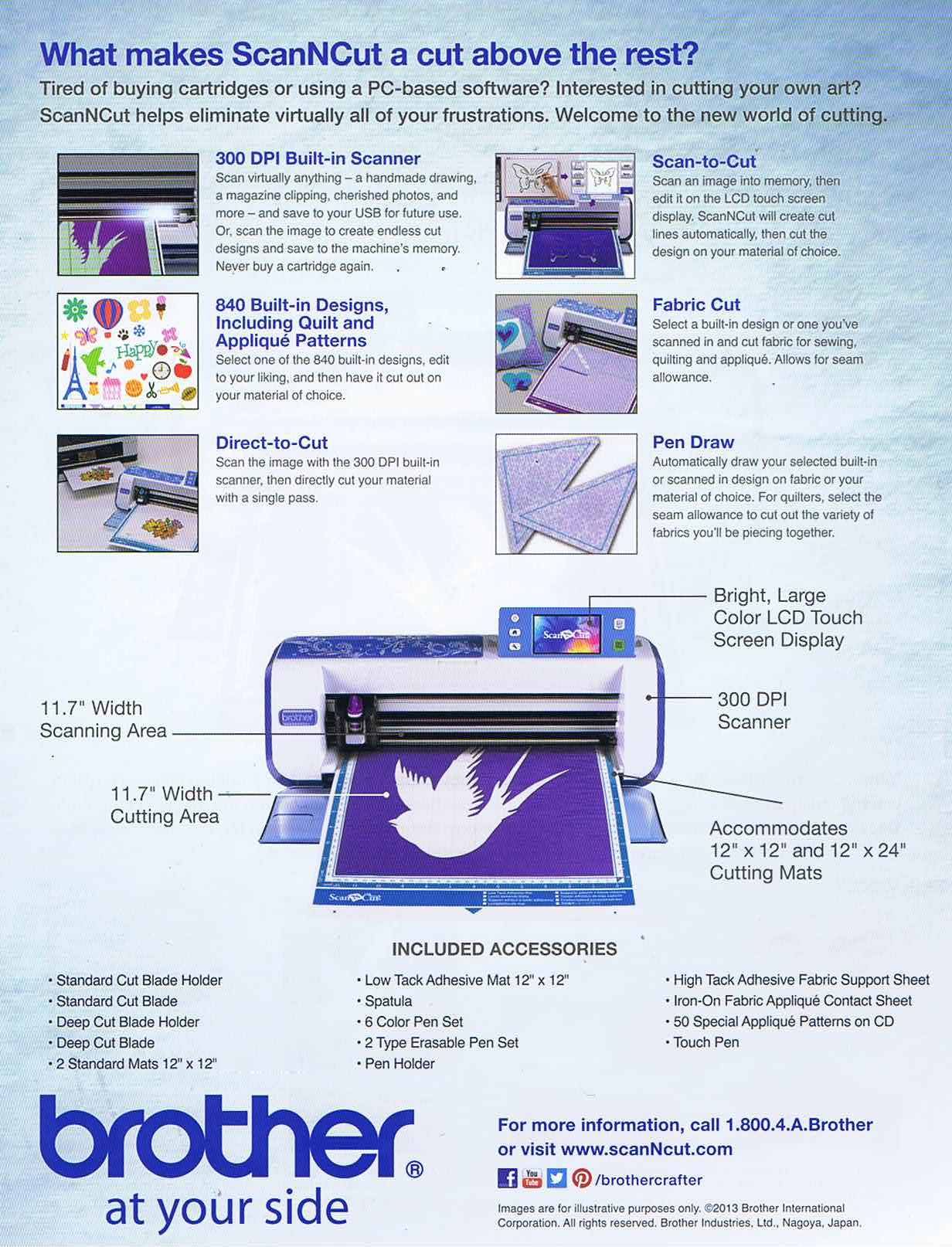
Projects
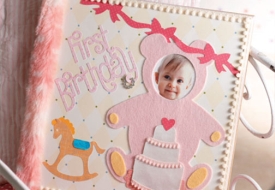
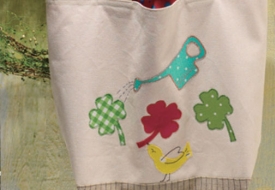
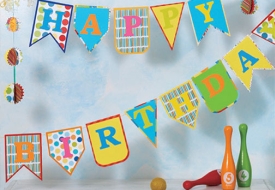
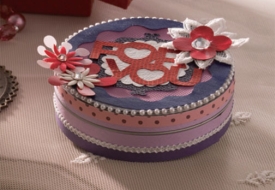
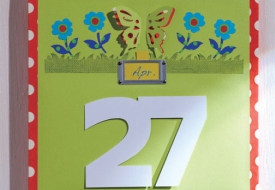
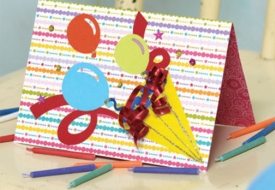
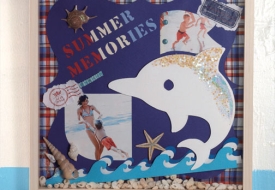
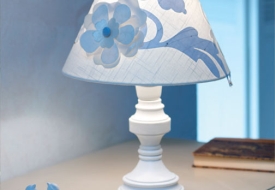
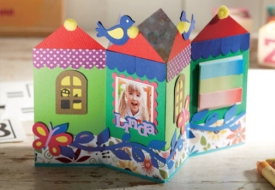
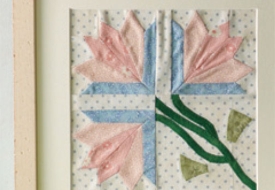
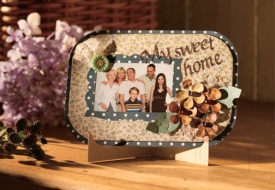
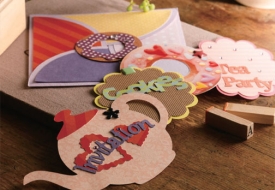
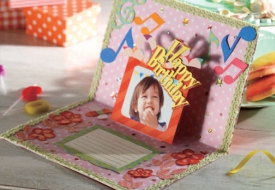

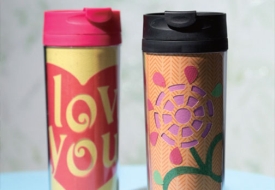
Appliqué Cutting with the Brother ScanNCutGeorge Moore shows you how to use Brother’s ScanNCut scanning & cutting machine to create the perfect applique cut-outs in this very informative video:
Attention all ScanNCut users:
ScanNCutCanvas allows conversion of SVG files to FCM file format (ScanNCut cutting file format)Click Here to learn more about converting existing SVG files to the format for the Scan N Cut machine. With this web service, original cutting and drawing can be created. Download the data to a memory stick and transfer it to the ScanNCut machine. Creating personalized craft projects has just become more fun!
- US Warranty 1 year limited warranty on defects in materials and workmanship.
- Extended US Warranty: Extended Warranty Available
- Non-US Warranty: 30 days parts and labor
Click HERE to download the new software update
Click HERE for User Manual in English
No more design cartridges. No PC required. ScanNCut will change the way you think about cutting machines forever. Welcome to a whole new world of innovation, with the world's first home and hobby cutting machine with the magic of a built-in scanner! A built-in scanner that will revolutionize the way you craft and create. The secret to ScanNCut's amazing versatility lies in the 300 DPI built-in scanner. Only ScanNCut can take an image, photo or hand drawn sketch, scan it, and allow you to precisely cut the shapes or outlines you want. Now the only thing limiting your cutting creativity is your imagination. Only from Brother. Learn more at www.ScanNCut.com.
Brother Scan N Cut Basic Quilting Guide for Making a Quilt
Click HERE for You Tube Videos on Brother Scan N Cut Models
Click HERE for Scan N Cut on Pinterest
Project Ideas and Instructions for Brother ScanNCut (.PDF)
Click HERE for Scan N Cut CM100D on Pinterest
Click HERE for The Cutting Corner, Official Brother Scan N Cut Blog
Brother Scan N Cut Current FAQ Frequently Asked Questions and Answers
Brother has released the update software for the following product on Brother Solutions Center. ScanNCut - Update to Version 1.31. The thumbnail display was improved after Version 1.30 update:
Link to Upgrade Version 1.31 for Scan N Cut
The following features have also been added from version 1.30:
- Undoing an operation
- Enlarging the Pattern by 400%
- Moving Patterns after Displaying Enlarged.
- Changed the name of the "Delete Size" key on the image editing screen and the default setting.
The following features have been enhanced:
- Converting recalled data to cutting line.
- Welding (Mergining outlines of multiple patterns) feature.
The following features has been added to the models of CM550DX:
- Cutting an Appliqué Piece
For more information refer to your manual or contact Tech Support at 877-888-3739.
Link to Upgrade v1.60 for ScanNCut CM550DX
This update software added/revised functionality:
- Default Setting of "Ignore Object Size" changed from 1mm to 3mm
- Ability to Calibrate the machine (Adjusting the Scanning / Cutting Position)
- Machine information
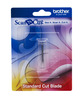
- Standard cut blade holder
- Standard cut blade
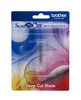
- Deep cut blade holder
- Deep cut blade
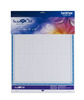
- 2 standard mats- 12" x 12" (1 additional)
- 2 Iron-on fabric applique contact sheets (1 additional)
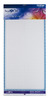
- High Low tack adhesive fabric support sheet mat, 2 pieces (1 additional)
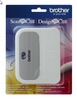
- Simple Spatula
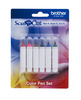
- 6 color pen set
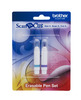
- 2 type erasable pen set
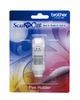
- Pen holder
- 50 special applique patterns on CD
- Instructional project "Cut Up This Book" Clip Art
- Touch pen
- Stylus
- High Tack Adhesive Fabric Support Sheet (2pcs)
See Notification about model CM550DX Included Accessories
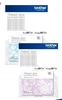
Pattern Designs List for Brother Scan N Cut CM550DX and CM550
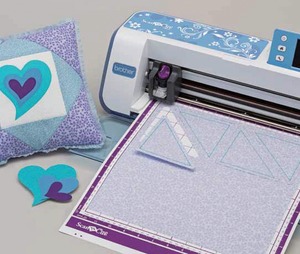 Fabric Cut
Select a built-in design or one you've scanned in and cut fabric for sewing, quilting and appliqué. Allows for seam allowance.
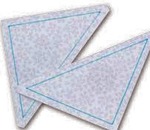 Pen Draw
Automatically draw your selected built-in or scanned in design on fabric or your material of choice. For quilters, select the seam allowance to cut out the variety of fabrics you'll be piecing together.
 Scan-to-Cut
Scan an image into memory, then edit it on the LCD display. ScanNCut will create cut lines automatically, then cut the design on your material of choice.
I am assuming that the customer is requesting this to work with applique designs. If that is in fact the case, the easiest way is to simply stitch the “placement stich” of the PES file on stabilizer, scan in the piece of stabilizer with the stitching on it—then use that file to cut the fabrics of their choice. Brother Education Department.
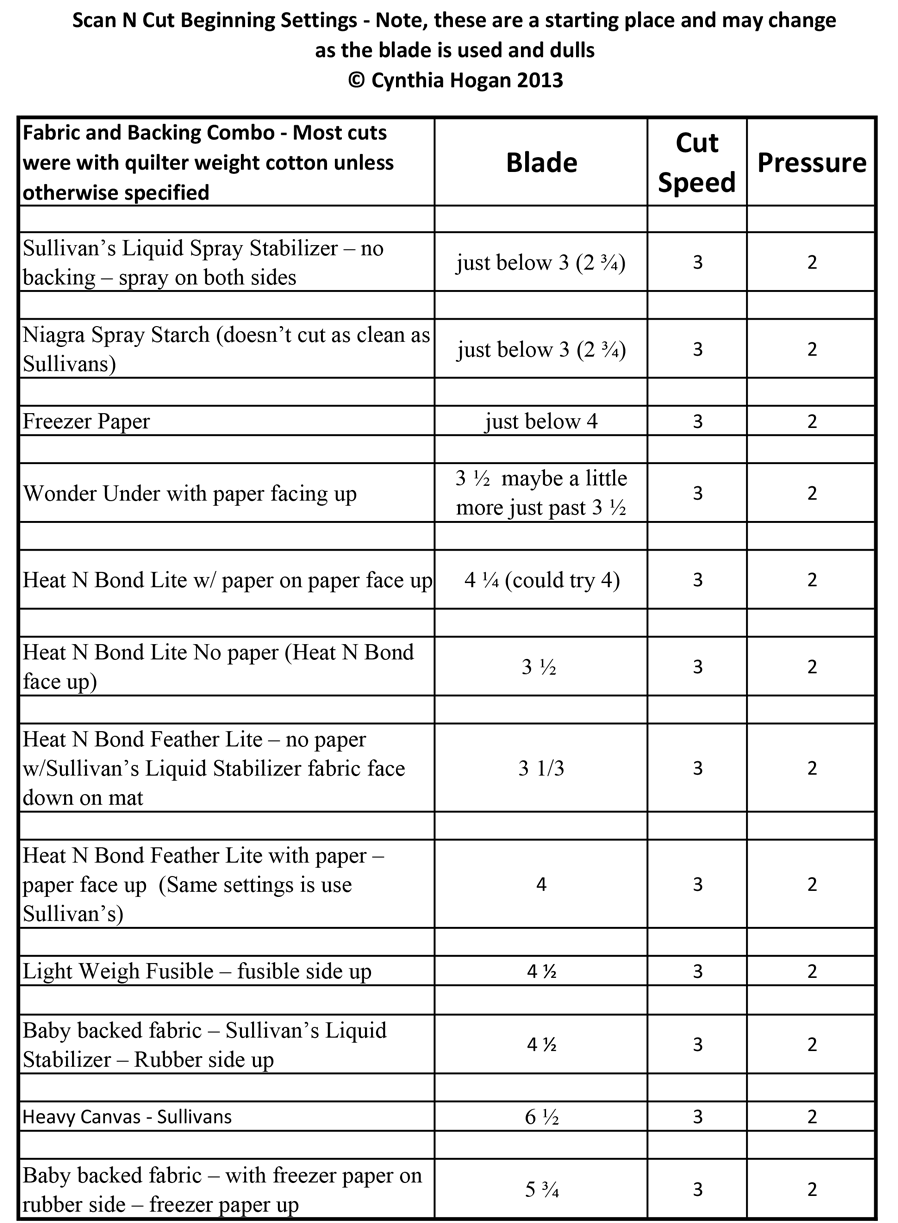
Our customer called and reported the problem with the Brother Scan N Cut, "Customer says that when she is trying to cut with a four its leaving fabric still attached when she is wanting clean cut. When she tries to use a six which gives her a clean cut, it also is cutting the mat. Customer would like to know if it is her machine or her that has the problem.
What type of fabric, what stabilizer, mat, pressure, speed and blade is she using? I am attaching a sheet for her to look at for starting points for settings. This is something I use in my classes. Every machine will differ and will change the longer the blade is used. It does dull like a rotary cutter. I am not sure why she went from a 4 all the way to a 6. If she is cutting fabric without stabilizer, I would suggest to her that she purchase Sullivan’s Spray Stabilizer. It temporarily stiffens the fabric (like starch), but is better than starch with the machine. There are tons of variables that play into this. She may simply need to change out the blade.
Hopefully, this info helps. By the way, the settings are using the blue blade cartridge. Cindy Hogan www.cynthiasembroidery.com
Brother Scan N Cut Current FAQ Frequently Asked Questions and Answers

Recommended Accessories
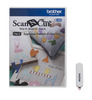


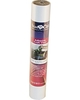
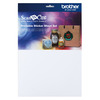
Other Items You May Be Interested In
-
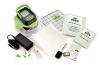
Slice Fabrique 38014 Digital Cutter Starter Kit, Applique Basics SD Design Card, Cut Alphabets, Numbers, Flowers, Basic Shapes, 6x6" Fusible, Applique
$149.99 -

Brother CABOOK2 Cut Up This Book Clip Art By Emily Hogarth for ScanNCut Cutter*
$19.99 -
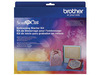
Brother CAEBSKIT1 Multi Color Embossing Starter Kit, Emboss Paper and Metal, for Scan N Cut Canvas
$69.99 Free Ground Shipping to the Contiguous USA -
Brother CATTLP03 Tattered Lace Pattern Collection #3 for ScanNCut Canvas
$49.99 Free Ground Shipping to the Contiguous USA
